

Track any Dubai project
and its deals.
Official construction progress, regulatory status and registered transactions — straight from Dubai Land Department data.
Recently inspected projects
View all projects →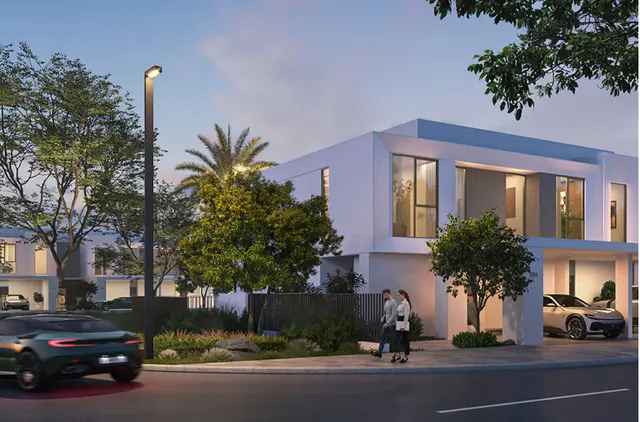 photo: emaar.comUnder construction49.92%Inspected 11 Nov 2026
The Valley - Elva
Al Yufrah 1 · EMAAR DEVELOPMENT P.J.S.C.
16 deals · last 3.6M AED
 photo: omoria.comUnder construction1.09%Inspected 11 Nov 2026
Omoria Hotel Residences
Palm Deira · Innovate Development L.L.C
19 deals · last 3.6M AED
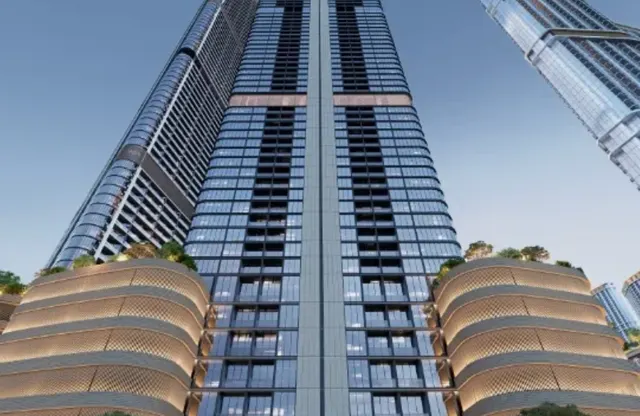 photo: sobharealty.comUnder construction16.14%Inspected 11 Nov 2026
Skyvue
Bukadra · SOBHA L.L.C
494 deals · last 2.4M AED
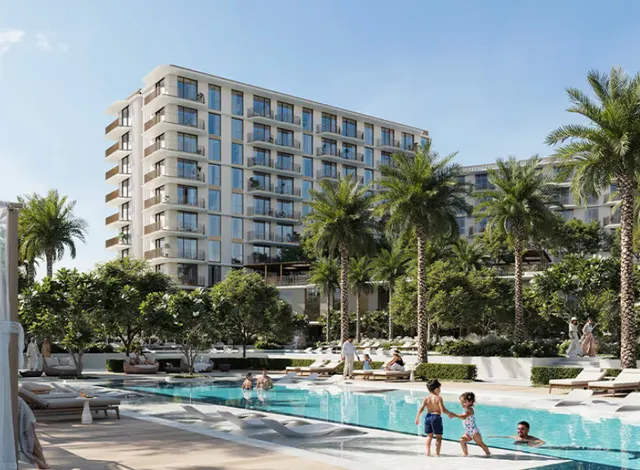 photo: emaar.comUnder construction1.24%Inspected 11 Nov 2026
Sera 2
Madinat Dubai Almelaheyah · MINA RASHID PROPERTIES L.L.C
30 deals · last 2.3M AED
Top developers
View all developers →


How to check a Dubai off-plan project before you buy
- Search the project name above.
- Read its construction progress from the latest Dubai Land Department inspection, and the date of that inspection.
- Compare it with the planned handover date. Red means the project is behind plan or past its handover date.
- Note the escrow account number and confirm it with the developer or in the Dubai REST app before you pay.
- Check recent registered sale prices per m² and ft² for the project.
Checking Dubai projects: common questions
How do I check if a Dubai project is delayed?
Open the project page and compare its latest DLD-inspected construction progress with the planned completion date registered with Dubai Land Department. A project still below 100% after that date is past its handover date. The full list is on the Delayed projects page.
How do I find a Dubai project's escrow account?
Each project page shows the escrow account number when Dubai Land Department publishes it. Always confirm it with the developer or in the Dubai REST app before making a payment.
How do I see what units in a project sold for?
The project page lists sales registered with Dubai Land Department, with the price, the size and the price per m² and ft². The Transactions page shows the latest sales across Dubai.
Is this an official Dubai Land Department service?
No. It's an independent tool built on Dubai Land Department open data and isn't affiliated with DLD or any government entity.
Is UAE Property Checker free?
Yes. Every page is free to use, with no sign-up. The data comes from Dubai Land Department open data.